Request Digital Signage
in the Spark
Design Specifications and Standards
Specifications
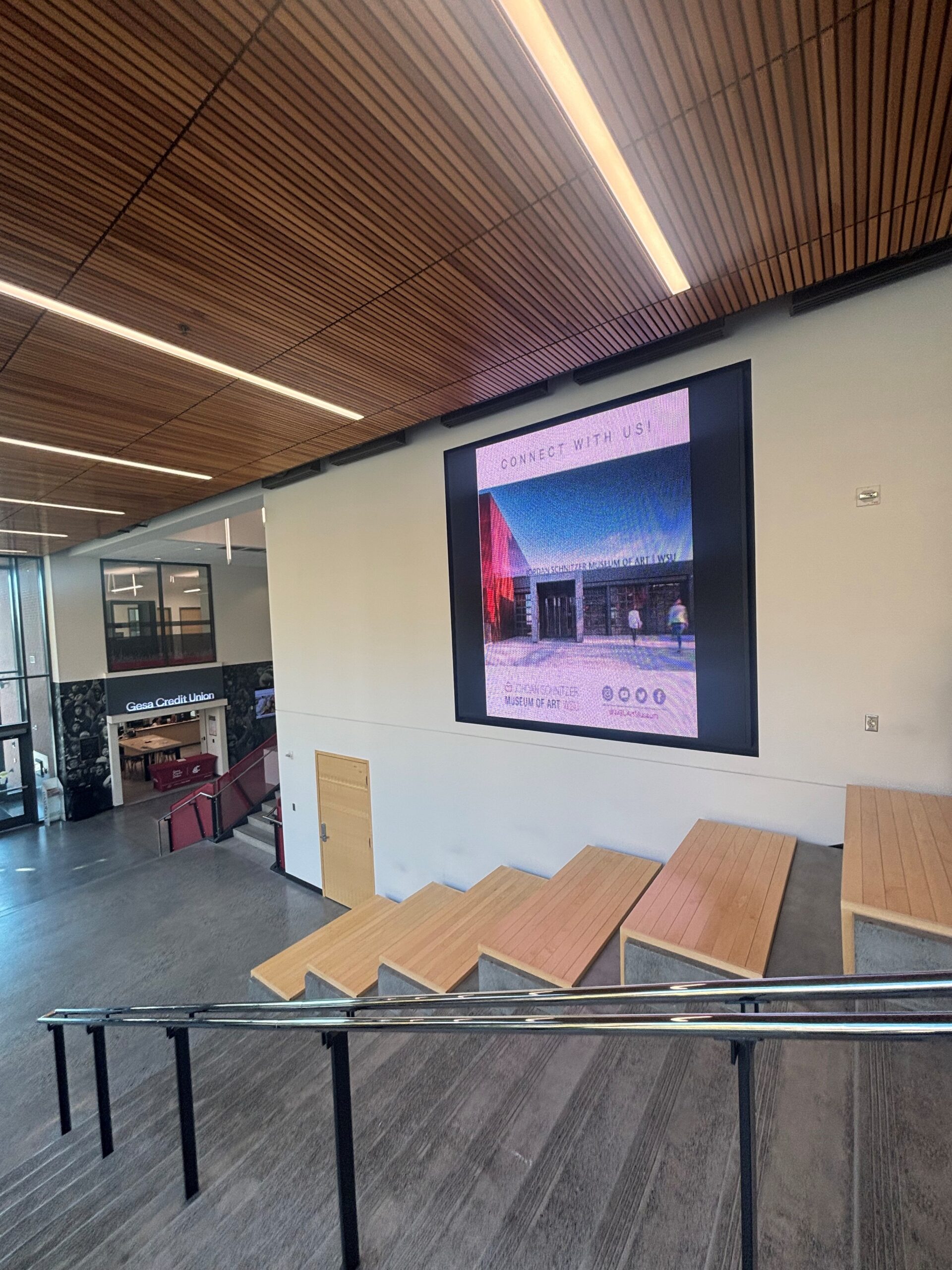
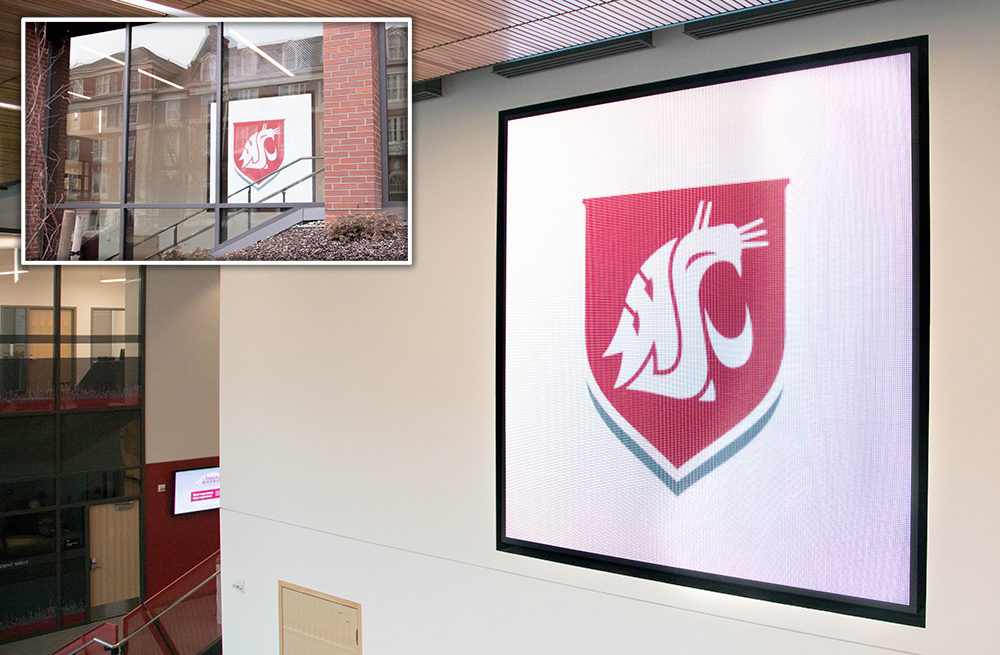
10 ft x 10 ft LED Modular Type Configuration
Located on Eastside and viewable 24/7 from Waller Way
Notes
- Audio is not available for this display.
- All ads must be 800 X 600 pixels.
- Minimum resolution of 72 dpi and Maximum resolution of 96 dpi.
- Images must be saved as a jpg and will be played for 10 seconds per rotation.
- Videos must be formatted to 24 frames per second (fps), saved as AVI.
- Videos must be no more than 30 seconds. We recommend less than 20 seconds.
- University departments should refer to brand.wsu.edu and follow required university identity and style guide standards.
- Registered Student Organizations (RSOs) have permission to use WSU spirit marks, but not the university logo. More information is available at brand.wsu.edu.
- Files must be no larger than 250MB.
- When designing promotional materials for the digital signage system, please keep clarity and aesthetics in mind by using easy-to-read fonts and clear photos. Make sure to include all pertinent information such as date, time, location of an event, and your departmental logo/name. Less content is better for digital signage, as viewers are typically on the move and there are many ads in rotation at any given time.
Specifications
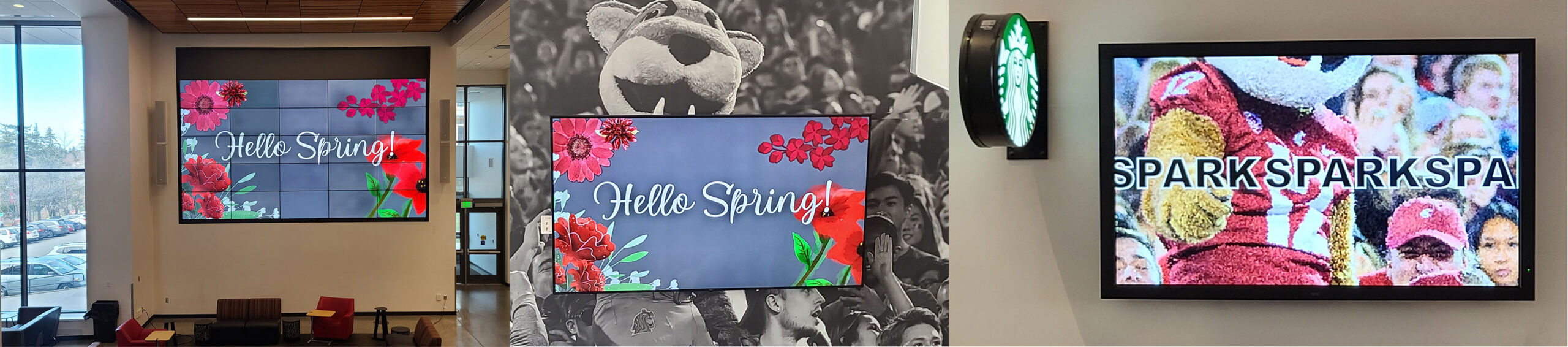
Full 4k video content, no audio for advertising
Located in the Spark Atrium
Notes
Ads will not be run during scheduled events.
- All ads must maintain a 16:9 aspect ratio with a minimum of 1920 x 1080 pixels. We recommend 3840 x 2160.
- Images must be saved as a jpg and will be played for 10 seconds per rotation.
- Videos must be formatted to at least 24 frames per second (fps), H.265 codec and saved as .MP4 with no greater than 2 MB bitrate.
- Videos must be no more than 30 seconds. We recommend less than 20 seconds.
- University departments should refer to brand.wsu.edu and follow required university identity and style guide standards.
- Registered Student Organizations (RSOs) have permission to use WSU spirit marks, but not the university logo. More information is available at brand.wsu.edu.
- Files must be no larger than 500 MB.
- When designing promotional materials for the digital signage system, please keep clarity and aesthetics in mind by using easy-to-read fonts and clear photos. Make sure to include all pertinent information such as date, time, location of an event, and your departmental logo/name. Less content is better for digital signage, as viewers are typically on the move and there are many ads in rotation at any given time.